Most screen-time apps are easy to ignore. A timer pops up, you tap ‘ignore,’ and you’re back to scrolling. Autonomous Key bets that adding a physical hurdle will succeed where software alone has failed.
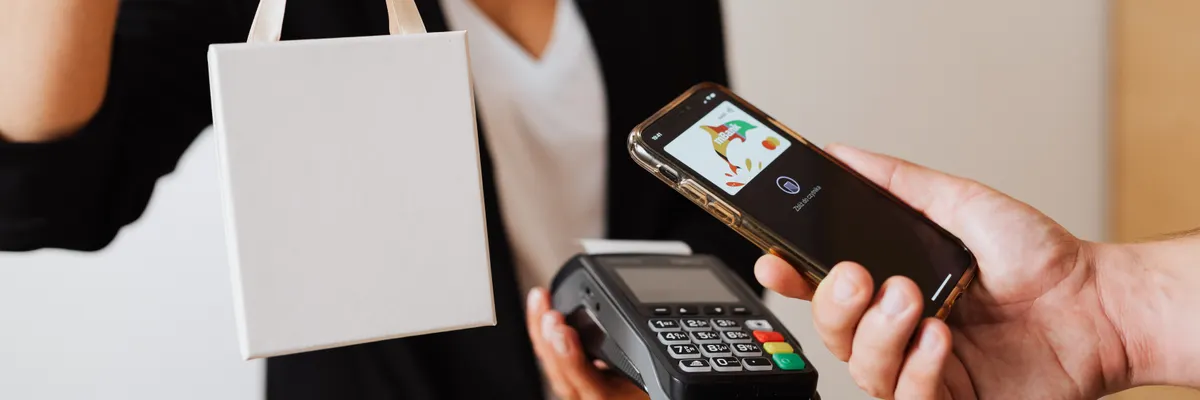
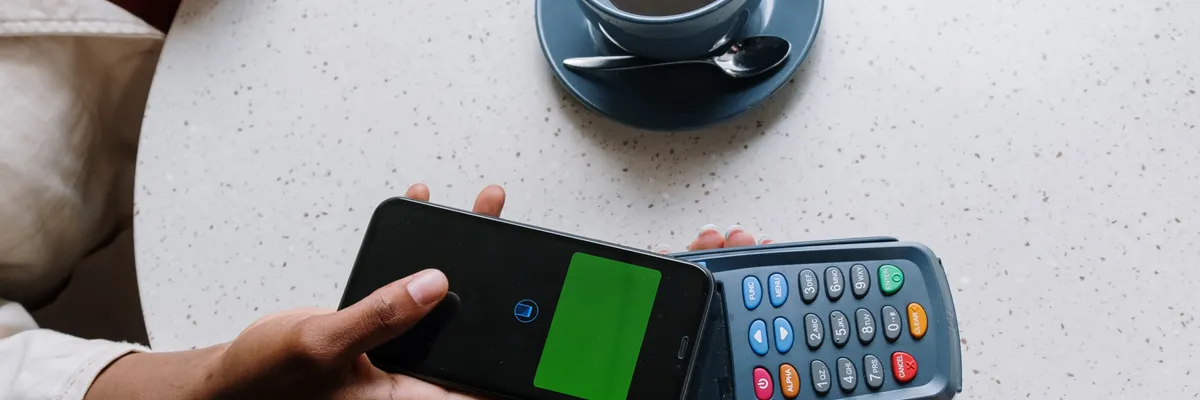
The device is a three-inch NFC tag that pairs with a companion app. You choose which apps to lock — Instagram, TikTok, whatever your vice — and then you can’t open them unless you physically tap the key to your phone. Unlock sessions last up to 60 minutes before the apps slam shut again. The trick is leaving the key somewhere inconvenient. Another room. The office. Your car. At $9, it undercuts competitors like Brick ($59) and Unpluq ($26.50) dramatically while covering the same core idea.
The companion app tracks your behavior and delivers AI-generated summaries with a deliberately sarcastic tone. Unlock apps immediately after locking them and it’ll suggest — with some sass — that the key clearly wasn’t far enough away. There’s no subscription, and one key can pair with multiple phones, which makes it practical for families or anyone juggling devices.
Testing revealed some friction. The NFC scan occasionally took multiple tries to register, so locking critical apps like email or messaging seems risky. And if you lose the key while your apps are locked, the current fix is clunky: uninstall and reinstall the app. A backup unlock method is supposedly coming in a future update. The product began shipping this month after a Kickstarter run and comes in five colors.