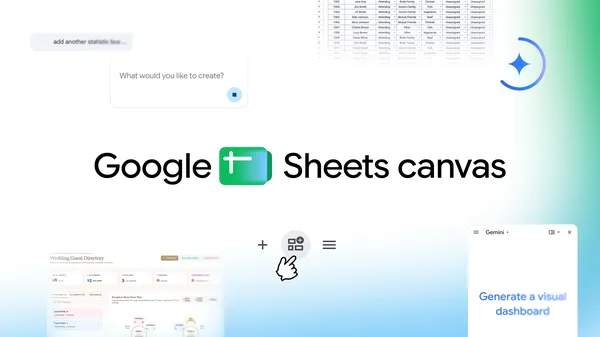
Google is rolling out a feature that could actually change how normal people use spreadsheets. Sheets canvas, announced today, lets you describe what you want in plain English — ‘create a visual study tracker’ is the company’s own example — and Gemini builds an interactive interface on top of your existing data. No formulas, no scripting, no waiting on IT.
Unlike a static chart or a pivot table, canvas operates as a read-write layer that stays synced with your source sheet in both directions. Edit something on the canvas and the spreadsheet updates. Change a value in the sheet and the canvas reflects it. That bidirectional sync is the part worth paying attention to. Plenty of tools can visualize data. Far fewer let you manipulate that data through a custom interface you described in a sentence, then have those changes flow back to the source of truth.
The rollout is broad but not universal. Google AI Pro and Ultra subscribers get it immediately, globally, in English. Workspace customers on Business or Enterprise Standard and Plus plans see it starting today, as do Google AI Pro for Education add-on subscribers. That’s a meaningful chunk of the paying Workspace base, but anyone on a free tier or lower-tier plan will be waiting.
Google’s positioning here is interesting. The examples they chose — wedding seating charts, fantasy football rosters, student assignment trackers — are deliberately personal and consumer-flavored, not enterprise dashboard fare. That’s a departure from how Workspace features are usually marketed. It suggests Google sees the value of this tool as much in individual productivity as in corporate reporting. Whether the reality lives up to the demo is the open question. Gemini’s track record with complex spreadsheet logic has been uneven, and building an interactive app from a vague prompt is a harder problem than generating a formula. The feature is finally available to test, so we’ll find out quickly.