The Gradio team just shipped a genuinely useful update with their new gr.HTML component, and it’s the kind of thing that makes you wonder why it took this long. The pitch is simple: you can now build almost any web component — complete with custom templates, scoped CSS, and JavaScript interactivity — in a single Python file. No separate frontend. No build step. No React. And yes, frontier LLMs like Claude can generate the whole thing in one shot.
They proved the concept with a series of demo apps that would normally require juggling multiple frameworks. A Pomodoro timer where a pixel-art tree grows as you work, using nothing but CSS keyframes and state updates. A GitHub-style contribution heatmap with pattern generators and live stats. A full Kanban board with drag-and-drop powered by native HTML5 drag events — no external libraries needed. Each one runs as a single Python file deployable to Hugging Face Spaces in seconds.
The real power move is subclassing. You can turn any gr.HTML creation into a reusable component like Heatmap() that works exactly like built-in gr.Image() or gr.Slider() — complete with event handlers in Blocks. The demo includes a detection viewer that renders bounding boxes, segmentation masks, and skeleton connections for pose estimation, plus a Three.js-powered 3D camera control that feeds parameters directly into Qwen’s image editing model. As one community example showed, you get a full 3D viewport with draggable handles for azimuth, elevation, and distance — all inside a Gradio app.
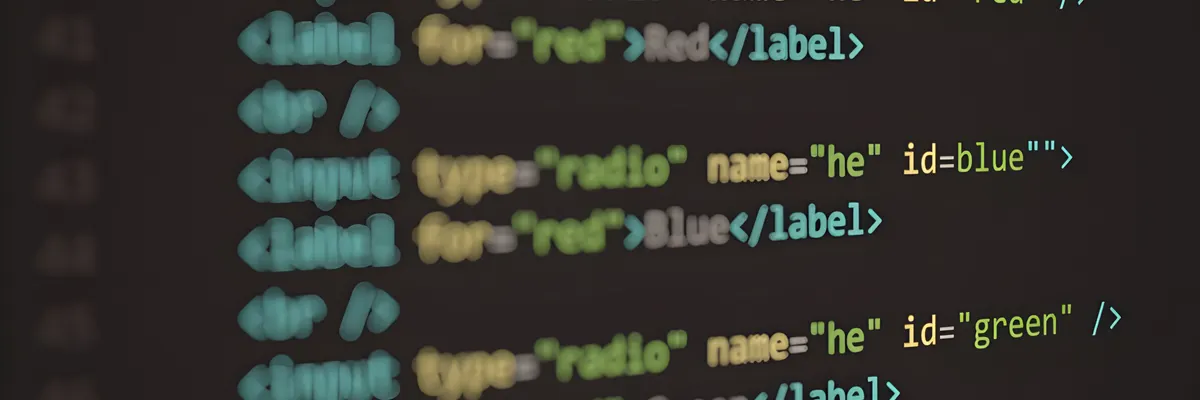
Three templates handle everything: html_template for structure, css_template for styling, and js_on_load for interactivity. The API is minimal — ${value} injects Python state, props.value updates it from JavaScript, and trigger('change') syncs back. That’s it. For anyone who’s wrestled with wiring a React frontend to a Python backend just to get a decent visualization, this feels like an escape hatch. The feedback loop becomes: describe what you want, get code, run gradio app.py, see it work, iterate — all within seconds with reload mode. Gradio ships with 32 components out of the box, but gr.HTML is their admission that sometimes you need something custom.