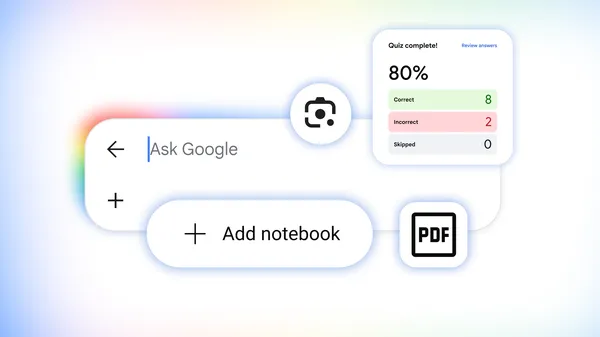
Google is rolling out five AI-powered learning features in Search, and they’re aimed squarely at one audience: students who’d rather ask a question than read a textbook. The updates include interactive visuals that render directly in AI Overviews, practice quizzes built from test-prep content, a Lens feature that coaches you through problems you photograph, notebooks that sync across Google products, and custom file generation from your own uploaded materials.
The interactive visuals are the most technically interesting piece. Search can now generate what Google calls “custom tools and simulations” — ask about the pH scale and you get a manipulable visual right in the results. Push further and AI Mode will plot citrus fruits on that scale, building a bespoke experience around a hyper-specific query. Google says generative UI capabilities have launched globally in English in AI Mode and are starting to appear in AI Overviews too. That’s a meaningful shift from static answers to dynamic, purpose-built interfaces.
For test prep, Google partnered with The Princeton Review, Careers360, PhysicsWallah, and Akira Enem to power quizzes for standardized exams including the SAT, ACT, GRE, LSAT, MCAT, and several others. The quizzes are free and available globally in English, with explanations for each answer and links to dig deeper. Meanwhile, Lens is getting an upgrade that lets you snap a photo of a homework problem and receive an AI Overview that identifies where you went wrong and coaches you toward the solution — rolling out globally in English over the coming weeks.
Notebooks, formerly known as NotebookLM, are being integrated into AI Mode across more than 180 countries. Existing notebooks sync automatically between Gemini Notebook, the Gemini app, and Search, pulling in sources and instructions. Users can attach class slides, syllabi, or web articles, then ask questions grounded in those materials. Custom file creation rounds out the set — upload handwritten notes and lecture slides, and Search will produce a one-pager outlining key concepts. Documents, presentations, spreadsheets, and text files are supported at launch.
Google’s pitch is that these tools are “safe by design,” though the company doesn’t detail what guardrails exist beyond that phrase. The broader strategy is clear enough: make Search the default study companion before students ever open a dedicated tutoring app. Whether interactive pH scales actually improve retention is an open question — but the convenience factor alone will likely pull millions of students into these features this semester.


